What I Learned
n8n is a workflow automation tool with a node-based editor. Key ideas:
- Triggers start a flow (schedule, webhook, manual).
- Nodes connect data from one step to the next.
- Expressions use
{{ $json.field }}to map prior outputs.
// Example: map items in a Code node
return items.map((item) => ({
  json: { ...item.json, processed: true },
}));
What I Built
- Installed n8n locally with Docker.
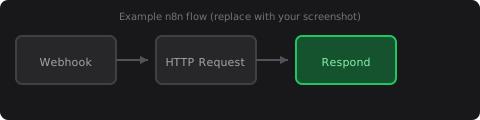
- Built a two-node flow: Webhook → Respond to Webhook for a test endpoint.
Problems I Faced
First run failed because port 5678 was already in use by another app.
Solution / Fix
Changed the host port mapping in docker run to -p 15678:5678 and opened http://localhost:15678.
GitHub Repository
https://github.com/yourusername/n8n-learning-journalTomorrow Plan
Add a third node that calls an external API and logs the response.
Notes
Optional body markdown below front matter appears under a Notes section if you add content here.